Supremo Remote Desktop

Описание Supremo Remote Desktop
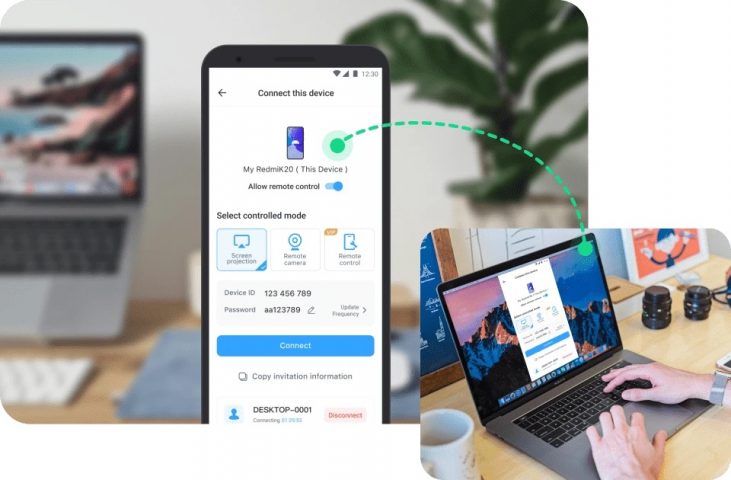
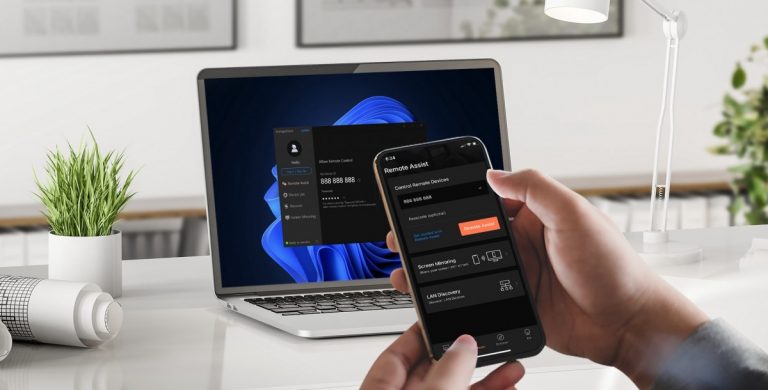
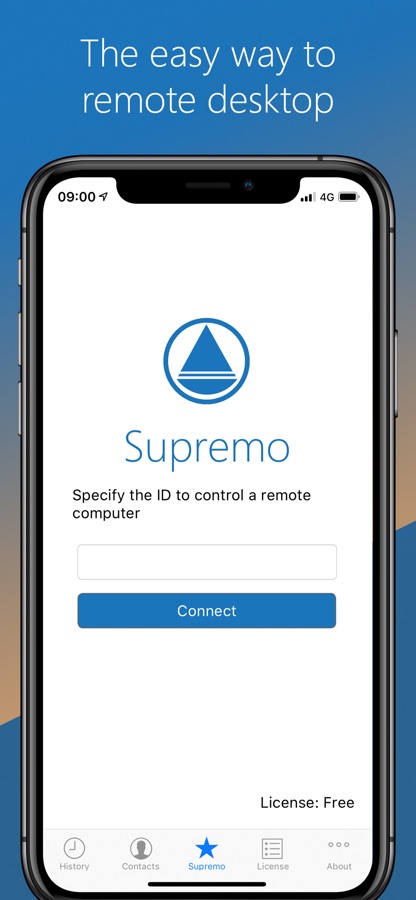
Supremo Remote Desktop is a powerful, easy and complete solution for remote desktop control and support. It allows to access a remote PC in just a few seconds. Supremo is also compatible with Supremo Console, the IT Management Console.
Download, access, control.
With Supremo Remote Desktop you can:
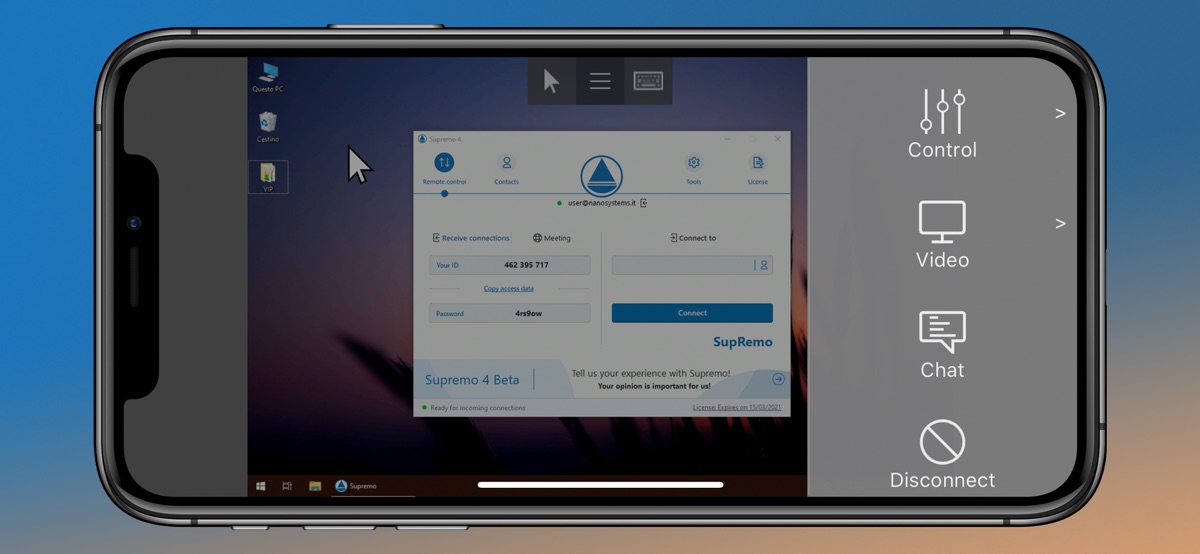
• Remote control PCs and servers, from your personal devices
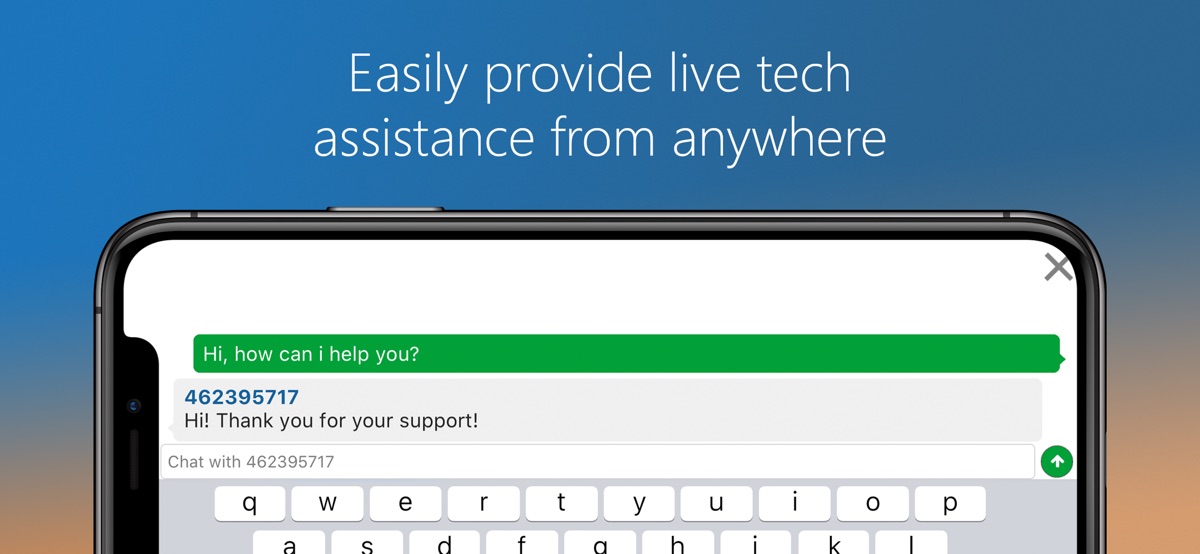
• Chat with the remote user
Features:
• Secure remote control, protected by AES 256-bit encryption
• Full mouse and keyboard support, including special keys
• Zooming and screen scrolling
• Integrated chat
• Multi-display support
• UAC-compliant
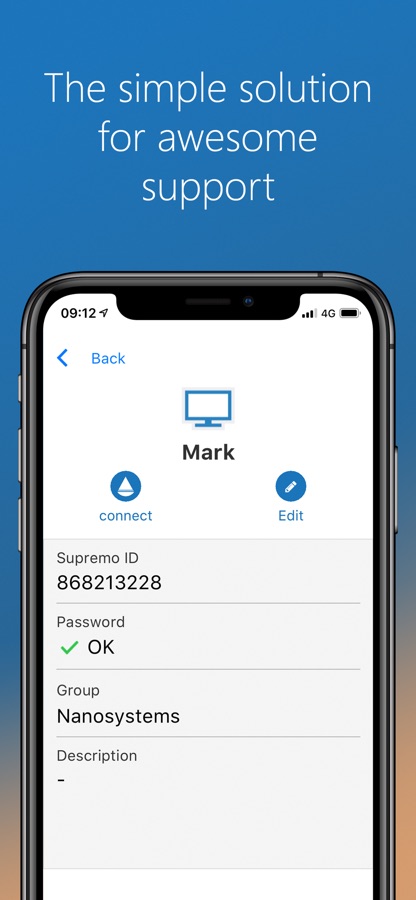
• Cloud-synced address book powered by Supremo Console
Get started:
1. Install Supremo Remote Desktop
2. Download and launch Supremo for Windows from the PC/server you need to remote control, take note of ID and password
3. Launch Supremo Remote Desktop and specify ID and password
4. Remote control the machine!
Скачайте приложение Supremo Remote Desktop для iOS бесплатно — последняя версия (4.11.7) уже доступна для установки на ваш iPhone или iPad.
Что нового в последней версии 4.11.7
New Features
— Added new EULA dialog
Fixed Bugs
— Fixed cursor position behavior when zooming during a control session
— Resolved vertical scrolling problems after zooming in a control session
— Fixed cursor movement issues when the keyboard is opened
— Fixed other minor bugs
Информация о приложении Supremo Remote Desktop
- Версия 4.11.7
- Обновлено 13 ноября 2025 г.
- Требуемая ОС iOS 11.0 и выше
- Категория Работа
- Разработчик Nanosystems S.r.l.
- Возраст 4+