SIMO : MATLAB programming app
Описание SIMO : MATLAB programming app
~~~~~~~~~
Check out our FREE app Console, which is powered by SIMO’s MATLAB interpreter. If you find Console useful, SIMO is definitely suitable for you.
~~~~~~~~~
SIMO is a feature-rich development environment for MATLAB. We have developed a version of MATLAB interpreter that works for commonly used language syntax and functions for beginners.
[+] Who will find SIMO useful?
— Students learning the basics of MATLAB.
— Course instructors of fundamental MATLAB courses.
— Individuals whose works do not depend on specialised toolboxes and advanced language syntax.
[+] What is SIMO?
— It is an integrated environment for running MATLAB.
— It allows you to create, edit, and run MATLAB code on iOS devices.
— Unlike other apps that compute on the cloud, it performs computation entirely locally on device. No internet connection is needed. You don’t miss a single app feature even if you are offline.
[+] What SIMO cannot do?
— It does not completely replace MATLAB, as it has only a subset of built-in functions of MATLAB.
— It does not support advanced features such as Simulink or creating user-interface.
[+] One app, all platforms
— You will be amazed at how much work you can do on a phone. The app is designed to let you work effectively on smaller screens.
— The iPad app features a split-screen layout. You can enjoy a full-screen workspace, or work on two views simultaneously.
— The iPad app runs on Macs with Apple silicon as well. Buy one app and it works on all of the platforms.
[+] MATLAB interpreter
— The interpreter works for language syntax that is essential to survive a MATLAB course. It provides the most commonly used built-in functions for learners.
— The interpreter computes on your device locally. You will not miss a single app feature even if you go completely offline.
— SIMO comes with a full set of documentation and user guides. It is offline accessible and full-text searchable.
[+] Visualization tool
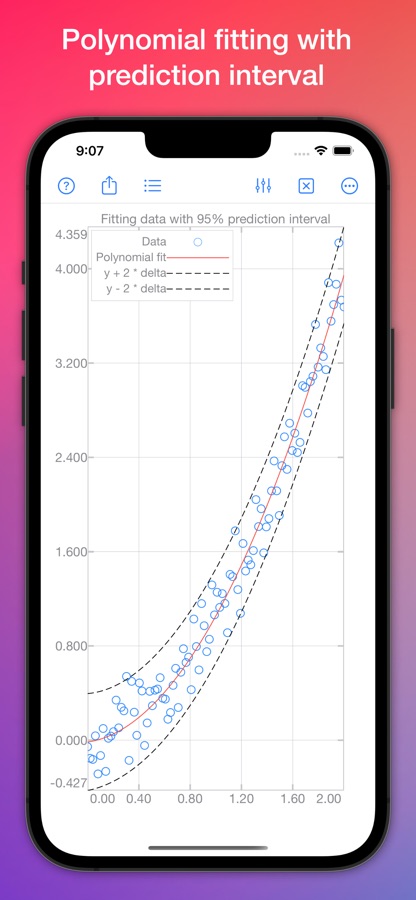
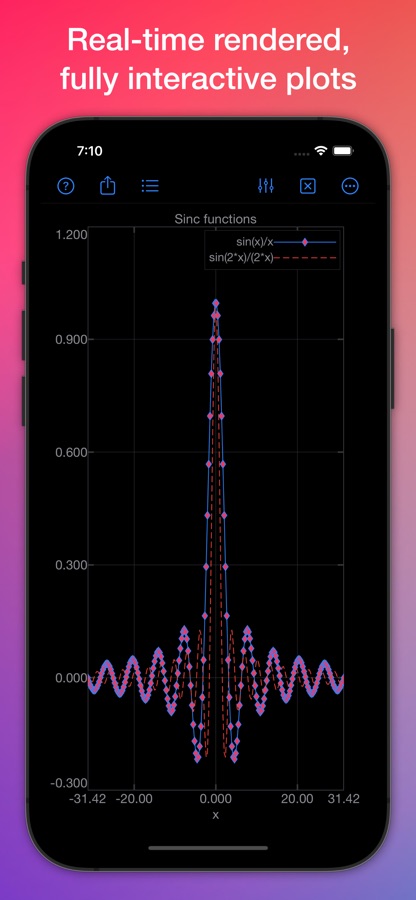
— Plots are rendered in real-time using your device’s computing power. Operations such as updating line attributes, pan and zoom are fast and responsive.
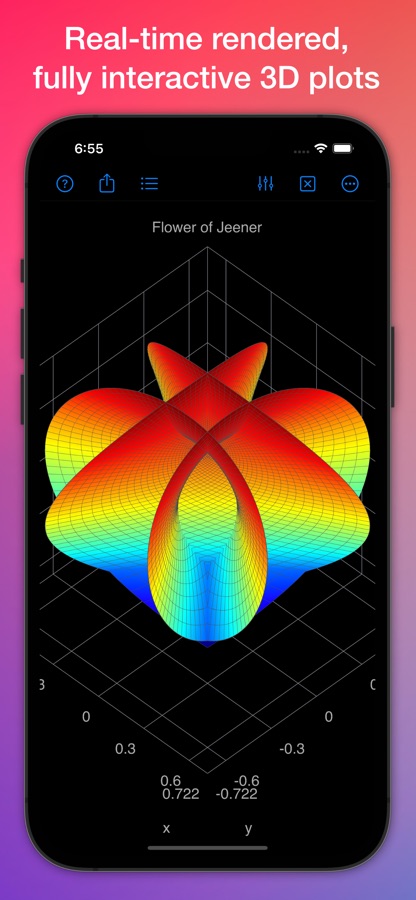
— Stunning 3D plots are rendered by the device’s GPU in real-time. Pan, zoom or rotate with multi-touch gestures, trackpad or keyboard shortcuts.
— Plot attributes are editable through the built-in user-interface. You can improvise with different styles without entering a single line of code.
[+] Command console
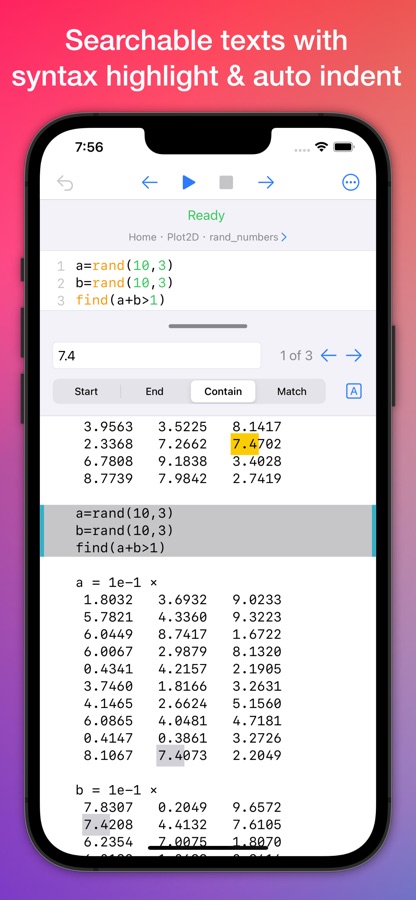
— You can run one or many lines of code from the command console. It supports line numbering, auto-intent and syntax highlighting.
— Search over thousand lines of output data instantly. You’ll never get overwhelmed by the sea of numbers.
— Output data are formatted automatically to fit the screen size or app window. Data are always neatly presented however you resize the app.
[+] File manager
— Files can be synced across all of your iCloud Drive enabled devices (iPhone, iPad, Mac). Or, you can store them locally on device.
— Tons of files buried in tons of folders? No worries. The search feature will help you find an item instantly.
— It has features you expect from a useful file manager. Add, copy, delete, duplicate, move, rename, sort and more.
[+] Script editor
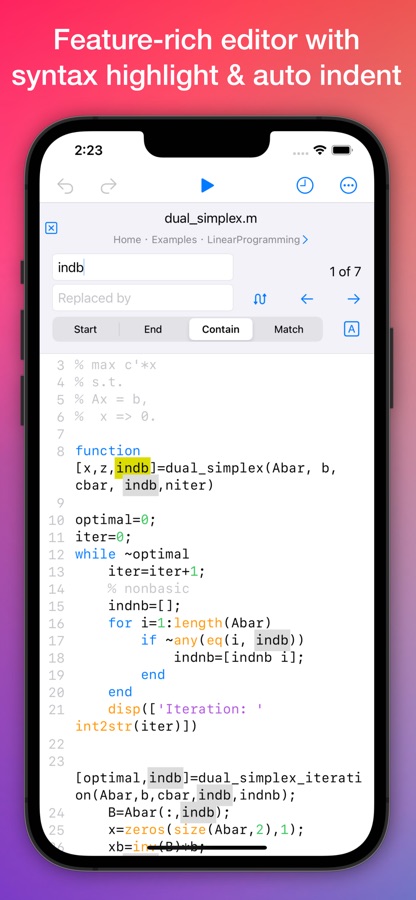
— It has features you expect from a useful script editor. Syntax highlight, auto-indent, line numbers and more.
— Search for a word in a script. Replace occurrences with another word.
— Recent items are accessible from your finger tip. It is a useful feature for navigating through frequently accessed files.
Скачайте приложение SIMO : MATLAB programming app для iOS — последняя версия (3.1.7) уже доступна для установки на ваш iPhone или iPad.
Что нового в последней версии 3.1.7
— New functions: cot, cotd, coth, acot, acotd, acoth.
— Various improvement and fixes.
Информация о приложении SIMO : MATLAB programming app
- Версия 3.1.7
- Обновлено 11 ноября 2025 г.
- Требуемая ОС iOS 14.0 и выше
- Категория Образование
- Разработчик Numerical Co.
- Возраст 4+