Samsung Galaxy Buds

Описание Samsung Galaxy Buds
*This application is for Galaxy Buds+ and Galaxy Buds Live. Support for Galaxy Buds (SM-R170) is not available.
Open the charging case.
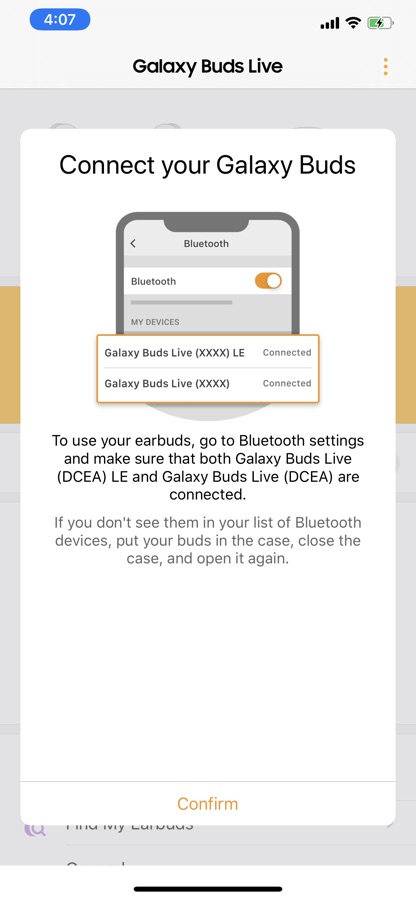
On your mobile device, tap Settings -> Bluetooth and then connect earbuds and mobile devices.
Launch the Samsung Galaxy Buds app, and the follow the on-screen instructions to complete the connection.
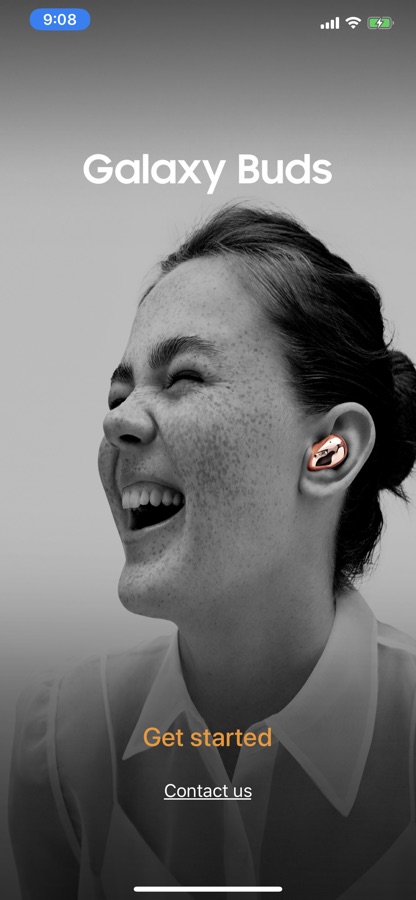
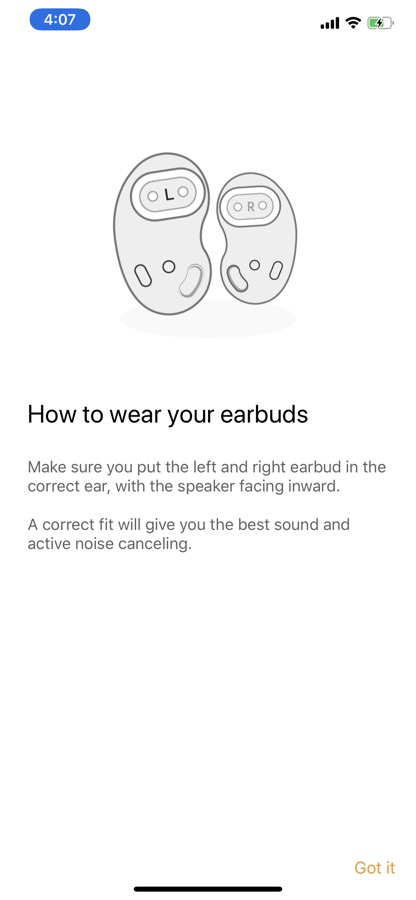
* The Samsung Galaxy Buds application connects Samsung Galaxy Buds+ and Samsung Galaxy Buds Live to your iPhone.
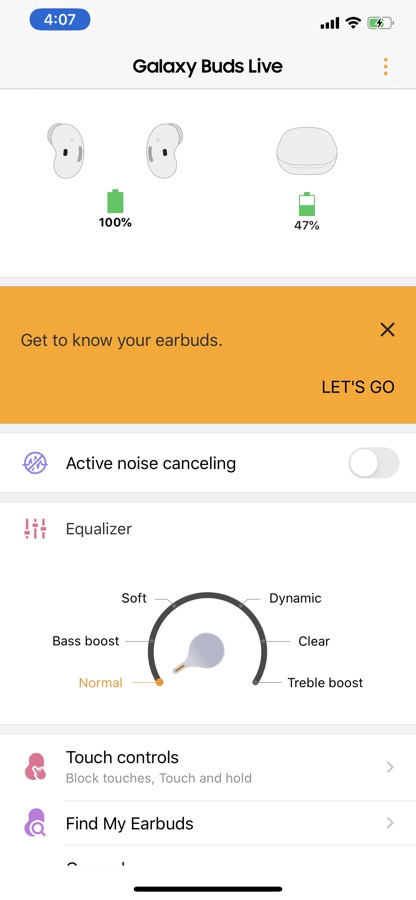
* Use the Samsung Galaxy Buds application to set up and manage the following features.
— Connect to and disconnect from a mobile device
— Earbuds & Charging Case battery status
— Ambient Sound (Samsung Galaxy Buds+ only)
— Active Noise Cancelling (Samsung Galaxy Buds Live only)
— Equalizer Setting
— Touchpad Setting
— Advanced Feature
— Find my Earbuds
— Earbuds Software Update
* Compatibility:
— iPhone 7 or later models with the iOS 10 and higher version
— The Galaxy Buds application is not compatible with Galaxy Buds (SM-R170)
* Settings and features provided by the Galaxy Buds application are only available when Galaxy Buds+ or Galaxy Buds Live is connected to your mobile device. Features will not work properly without a proper connection between your earbuds and your mobile device.
* If you have any questions, please contact to the web page below.
(http://www.samsung.com/support/)
※ User Agreement
Following User Agreements are required for the app service.
Even if you don’t agree the agreements you can use basic service but can’t use disagree services.
[Required User Agreements]
— Bluetooth: Required for communication with Buds+ or Buds Live
Скачайте приложение Samsung Galaxy Buds для iOS бесплатно — последняя версия (2.1.1) уже доступна для установки на ваш iPhone или iPad.
Что нового в последней версии 2.1.1
— Improved application stability
Информация о приложении Samsung Galaxy Buds
- Версия 2.1.1
- Обновлено 11 ноября 2025 г.
- Требуемая ОС iOS 10.0 и выше
- Категория Инструменты
- Разработчик Samsung Electronics Co., Ltd.
- Возраст 4+