Remote Shutter: camera connect

Описание Remote Shutter: camera connect
Turn any two devices into a wireless remote camera system — no internet, no WiFi, no account needed. Just connect and shoot.
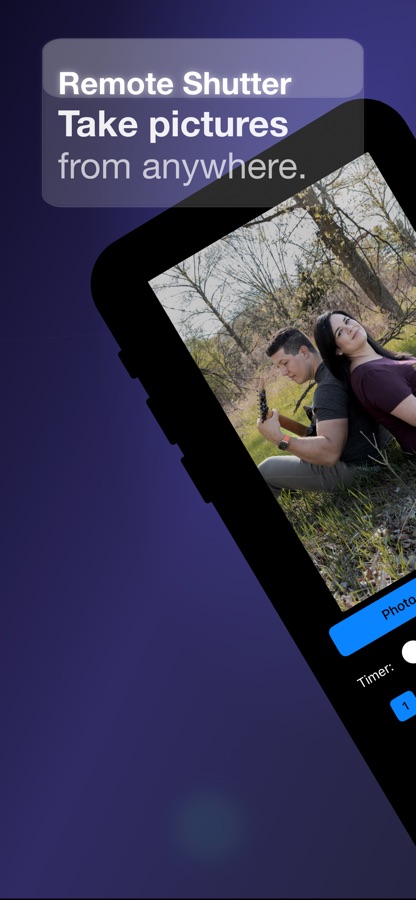
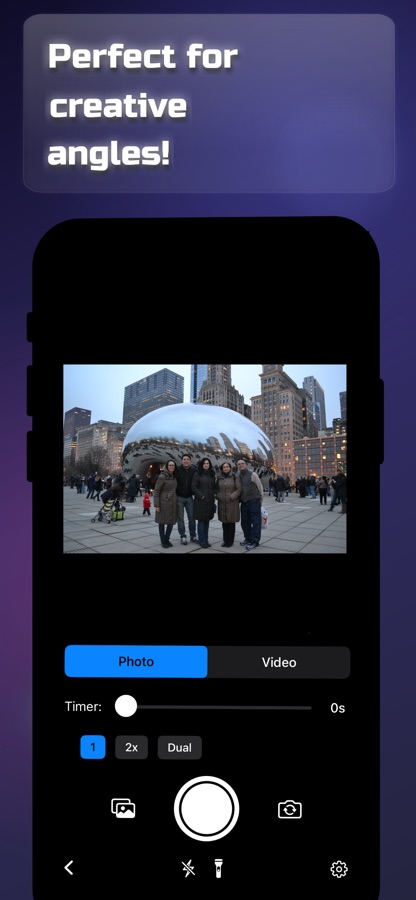
Remote Shutter uses peer-to-peer technology to link two devices directly. One becomes the camera, the other becomes your remote control with a live monitor. Perfect for group photos, selfies, tripod shots, creative angles, and hands-free photography.
FEATURES
— Wireless remote shutter from up to 50 feet away
— Live camera preview on your remote device
— Switch between front and rear cameras remotely
— Camera flash control
— Adjustable photo timer
— Record video remotely
— Works with iPhone, iPad, and Mac
— No internet or WiFi network required — direct device-to-device connection
HOW TO USE
1. Open Remote Shutter on two devices
2. Devices connect automatically via peer-to-peer
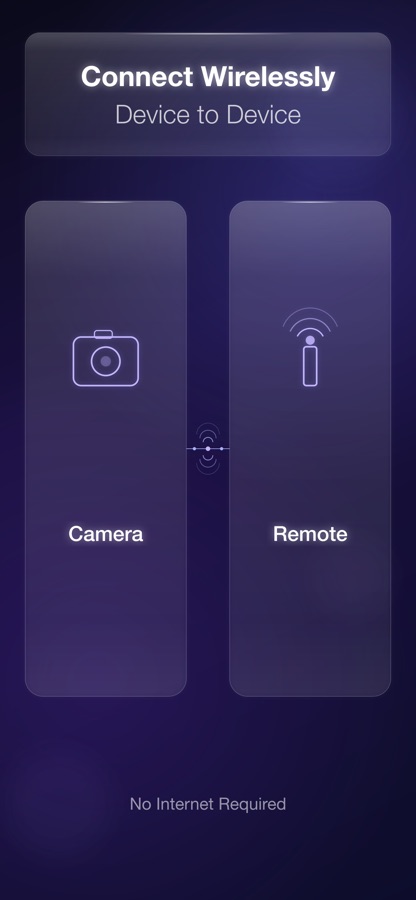
3. Choose which device is the camera and which is the remote
4. Start shooting from anywhere in the room!
Whether you’re setting up a family photo, recording content, or capturing hard-to-reach angles, Remote Shutter gives you full wireless control of your camera from another device.
Скачайте приложение Remote Shutter: camera connect для iOS бесплатно — последняя версия (5.5.1) уже доступна для установки на ваш iPhone или iPad.
Что нового в последней версии 5.5.1
— New: Choose your role (Camera or Remote) before scanning
— Camera mode: Go online and wait for a Remote to connect
— Remote mode: Scan for nearby cameras and connect
— Improved help tutorial with updated step-by-step guide
— Full localization: now available in 10 languages
— Fixed disconnect error showing after successful photo sessions
— UI improvements for camera and remote scanner screens
Информация о приложении Remote Shutter: camera connect
- Версия 5.5.1
- Обновлено 1 июня 2026 г.
- Требуемая ОС iOS 15.0 и выше
- Категория Фото и видео
- Разработчик Security Union LLC
- Возраст 4+