Projector: Mirroring & Remote
Описание Projector: Mirroring & Remote
Projector – Screen Mirroring & Cast to TV
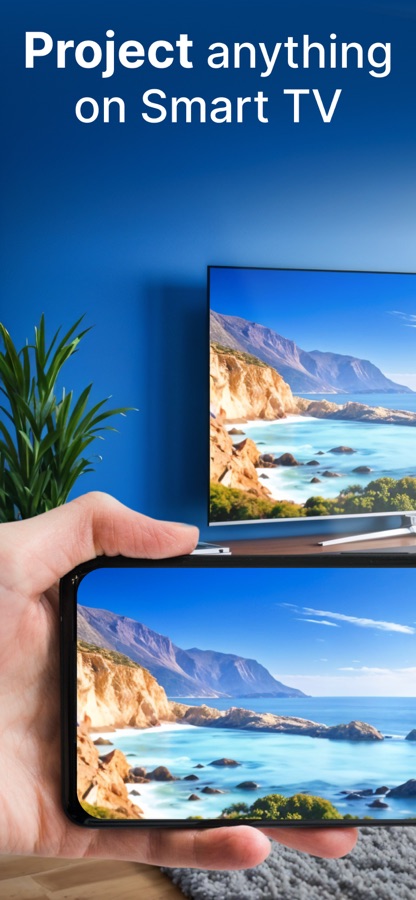
Turn your phone into a powerful entertainment hub with Projector – Screen Mirroring & Cast to TV. This all-in-one app helps you mirror your screen, cast media, and control your TV with ease. Whether you want to share photos, stream videos, or display apps on a bigger screen, Projector makes screen casting simple and convenient.
Designed for everyday use, Projector allows you to cast to TV, enjoy smooth screen mirroring, and use a universal TV remote — all from one app.
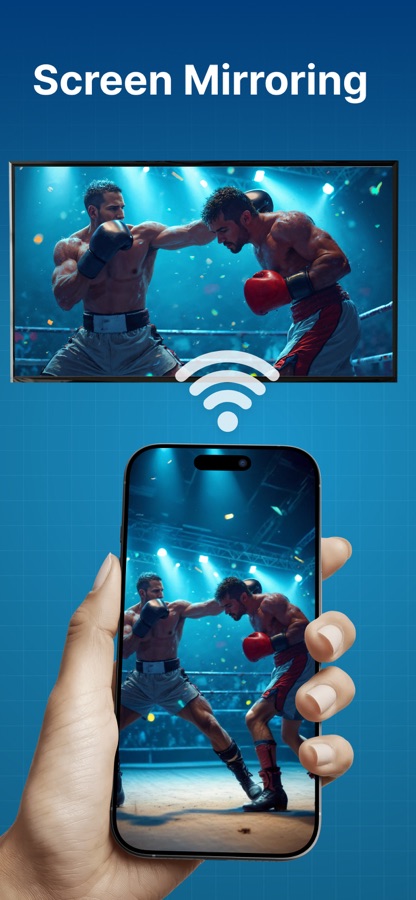
Screen Mirroring Made Simple
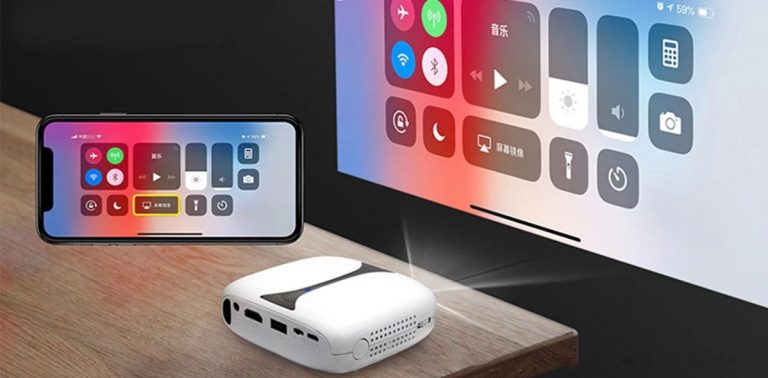
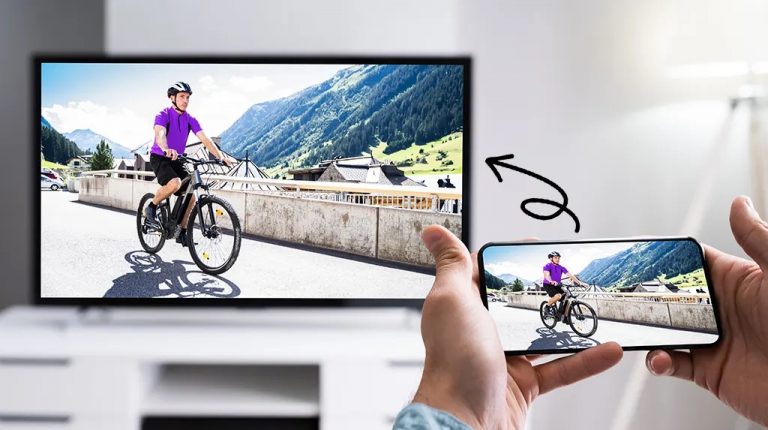
With Projector, you can mirror your phone screen to your TV in just a few steps. Watch videos, view photos, or display apps on a larger screen for a more immersive experience. Screen mirroring works best when both devices are connected to the same Wi-Fi network.
You can continue using your phone while the screen mirroring or casting runs smoothly in the background.
Cast to TV in High Quality
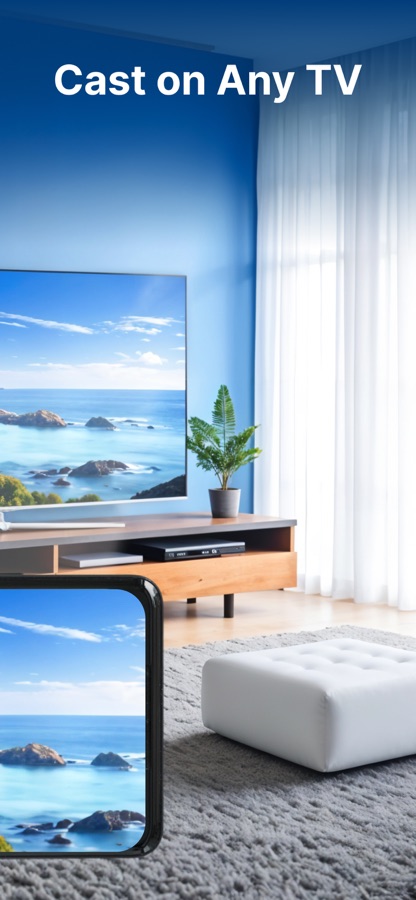
Projector supports screen casting and TV casting for photos, videos, and audio. Enjoy clear visuals and smooth playback when sharing your content on compatible smart TVs.
Whether it’s a movie night, family slideshow, or presentation, Cast to TV helps bring your content to life on the big screen.
Works with Multiple Devices & TVs
Projector is designed for broad compatibility and works with many modern TVs and display devices.
You can:
Cast to compatible smart TVs
Cast to streaming devices that support screen casting
Share your screen on tablets, monitors, laptops, or other phones using a secure connection
This flexibility makes Projector a reliable screen cast app for home or personal use.
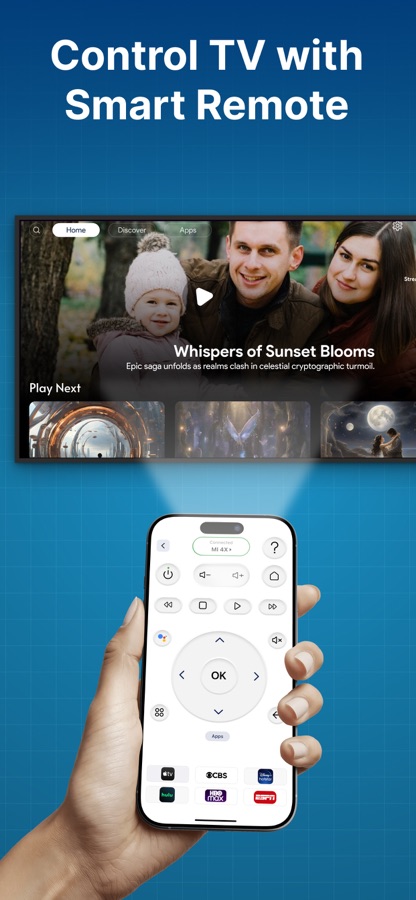
Universal TV Remote Control
Projector also includes a universal TV remote feature. Control your TV directly from your phone without needing a physical remote.
With the TV remote, you can:
Navigate channels and menu
Launch supported apps
Manage volume and playback
Create a personalized list of favorite channels
This makes your phone a convenient replacement for your TV remote.
Easy Setup & User-Friendly Design
Getting started is simple:
Connect your phone and TV to the same Wi-Fi network
Select your TV from the device list
Start screen mirroring or casting instantly
The app is designed with a clean interface, making screen mirroring, screen casting, and TV control easy for all users.
Why Choose Projector – Screen Mirroring?
Easy screen mirroring and screen casting
Cast to TV for photos, videos, and audio
High-quality screen projection
Universal TV remote control
Wireless setup with no cables required
Simple and intuitive user experience
Projector brings screen mirroring, TV casting, and remote control together in one practical app.
Enjoy a bigger screen experience anytime.
Download Projector – Screen Mirroring & Cast to TV today and make sharing your screen easier and more enjoyable.
Premium plans
Monthly — $6.99
Yearly — $24.99
Subscription Info
The yearly subscription plan comes with a 3 day trial period. The user can cancel their subscription anytime during the trial period without being billed. They will be billed automatically after the trial period ends.
The user can cancel his/her subscription at any time by going into iTunes and App Store Apple ID Settings.
All prices include applicable local sales taxes.
Payment will be charged to your iTunes Account after confirmation of purchase.
Subscription automatically renews at least 24-hours before the end of the current period.
The user’s account will be charged for renewal within 24-hours before the end of the current period.
Privacy policy: https://www.q4umobileapps.com/web/screencastingios/privacy-policy
Terms & conditions: https://www.q4umobileapps.com/web/screencastingios/tandc
EULA: https://www.q4umobileapps.com/web/screencastingios/eula
Скачайте приложение Projector: Mirroring & Remote для iOS бесплатно — последняя версия (6) уже доступна для установки на ваш iPhone или iPad.
Что нового в последней версии 6
Crash Fixes
Functionality Enhancement
Информация о приложении Projector: Mirroring & Remote
- Версия 6
- Обновлено 3 мая 2026 г.
- Требуемая ОС iOS 14.0 и выше
- Категория Инструменты
- Разработчик Anamika Kumari
- Возраст 4+