PDFTOJPG: Convert PDF to Image
Описание PDFTOJPG: Convert PDF to Image
Convert all pages in a PDF to Image or extract all images in a PDF to JPG. Convert or extract PDF to JPG online, easily and free.
How to convert a PDF to Image Converter easily and quick?
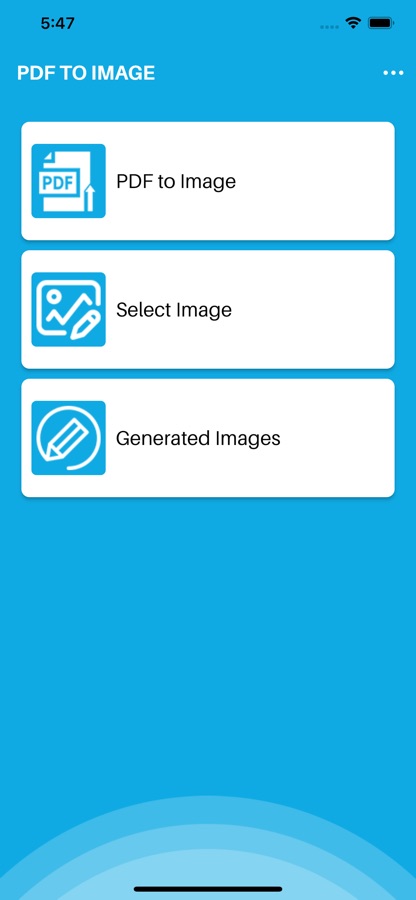
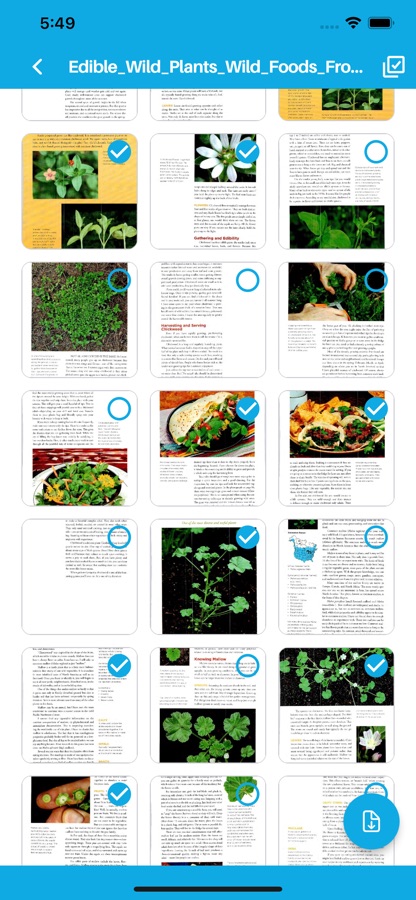
1. Click the Select a pdf file
2. Select the PDF you want to convert to an image with the converter
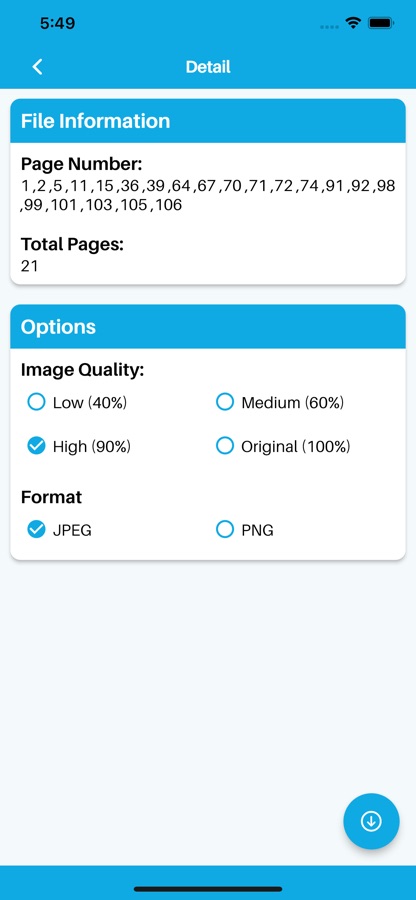
3. Select the desired image file format (JPG/PNG)
4. Set quality and click convert to Image
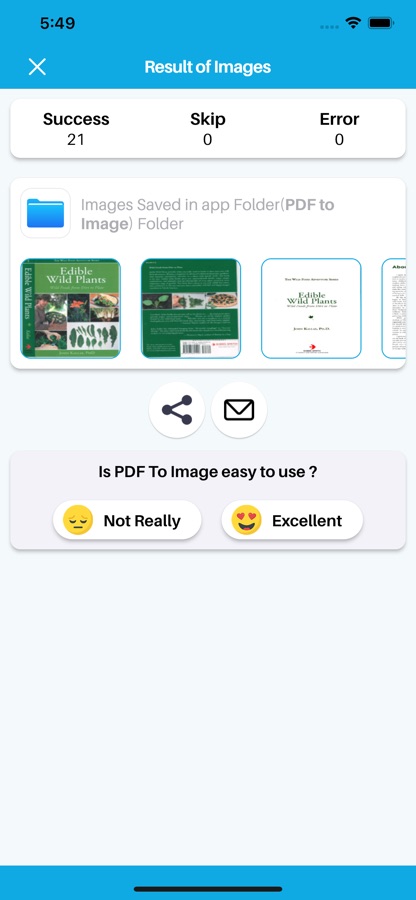
5. Easily share to with anyone, into social media
PDF to Images Converter Features:
— Convert PDF files into PNG or JPG format.
— It’s completely unlimited. No restrictions on the number of pages to convert.
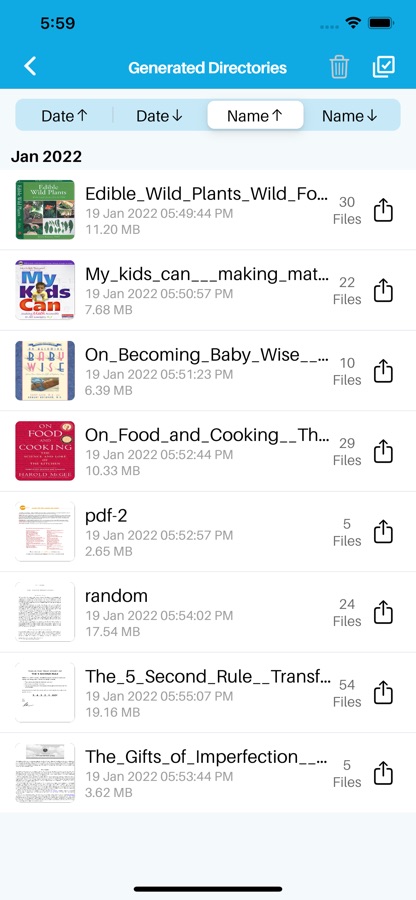
— View all generated images with any image viewer, easily share or delete them
— Created pdf documents and photos, transforming files, and making new documents in other formats is the easy and fast way.
— Add multiple texts on photo, edit each one without losing final preview
— Choose color, brush style to draw on photo
— Awesome photo editor to crop photo and apply filters
Скачайте приложение PDFTOJPG: Convert PDF to Image для iOS бесплатно - последняя версия (1.0.3) уже доступна для установки на ваш iPhone или iPad.
Информация о PDFTOJPG: Convert PDF to Image
- Лицензия Бесплатно
- Версия 1.0.3
- Обновлено 13 ноября 2025 г.
- Требуемая ОС iOS 14.0 и выше
- Категория Работа
- Разработчик Monali Paghadal
- Возраст 4+